Three Bugs in TP-Link Archer Routers Give Root - Patch Now
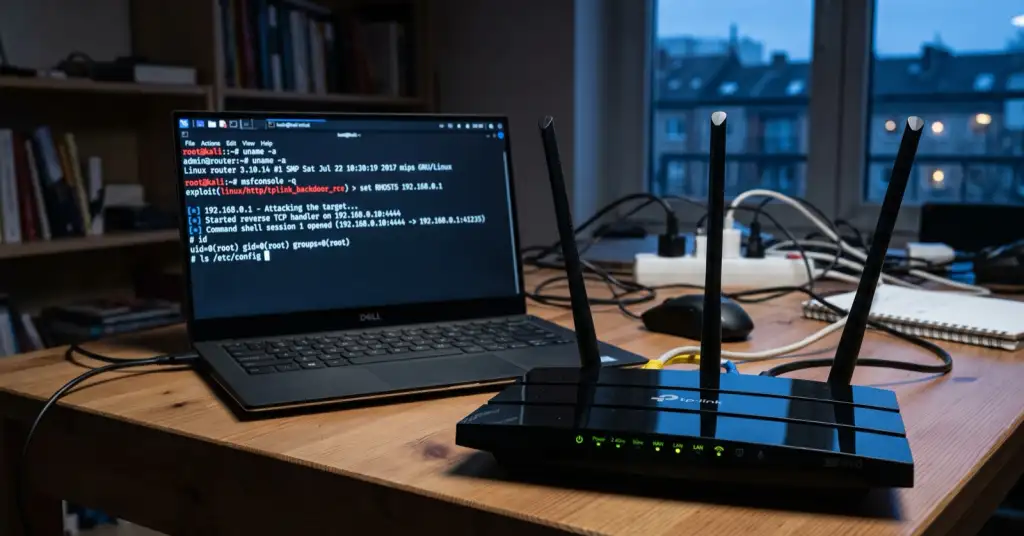
TP-Link has disclosed three router security flaws in its popular Archer Wi-Fi models, and the worst one needs no password at all. On the Archer BE800, BE3600 and AX75, a device on your local network can send a booby-trapped request and run commands on the router as root, the highest level of control. A second bug sits in the router's own VPN feature. Firmware fixes are already out, so the useful question is whether your router is on the list and whether you have installed the update.
What the bugs do
All three are command-injection flaws: the router fails to sanitise input and ends up running attacker-supplied commands. They differ in how much access an attacker needs.
- CVE-2026-9254 (the serious one). Unauthenticated. In the parental-control function of the BE800, BE3600 and AX75, anyone on the local network can inject shell characters and get root, no login required. TP-Link rates it 8.7 (High).
- CVE-2026-16348 (the VPN bug). In the VPN-connection feature of the BE800. It needs administrator access, then lets the attacker run root commands through the VPN settings.
- CVE-2026-78541. A stored command-injection flaw in the parental-control module of the BE3600.
Why a router is the worst place for this
Root on your router is not like malware on one laptop. The router sees and directs all the traffic in your home, so whoever controls it can quietly redirect your DNS to fake sites, watch which services you use, or fold the device into a botnet. That last outcome is exactly how home routers get turned into hidden proxies for other people's crime, something we explained in our guide on how to check whether your router is part of a botnet. A VPN server running on the same box only raises the stakes, because it is the one point that already handles your encrypted tunnel.
What to do
- Check your model. The advisory names the Archer BE800 V1, Archer BE3600 V1 and Archer AX75 V1. Your model and hardware version are printed on the label underneath the router.
- Update the firmware. Fixed builds are out: BE800 V1 to 1.4.2 Build 260708, BE3600 V1 to 1.2.6 Build 20260617, AX75 V1 to 1.1.6 Build 260716. Install through the router's admin page or the Tether app.
- Turn off what you do not use. If you do not need remote management, the VPN server or parental controls, disable them to shrink the attack surface.
- Set a strong admin password. Not the Wi-Fi password, the separate one that logs in to the router itself, and never leave it at the factory default.