Your router may be working for strangers: how to tell and what to do
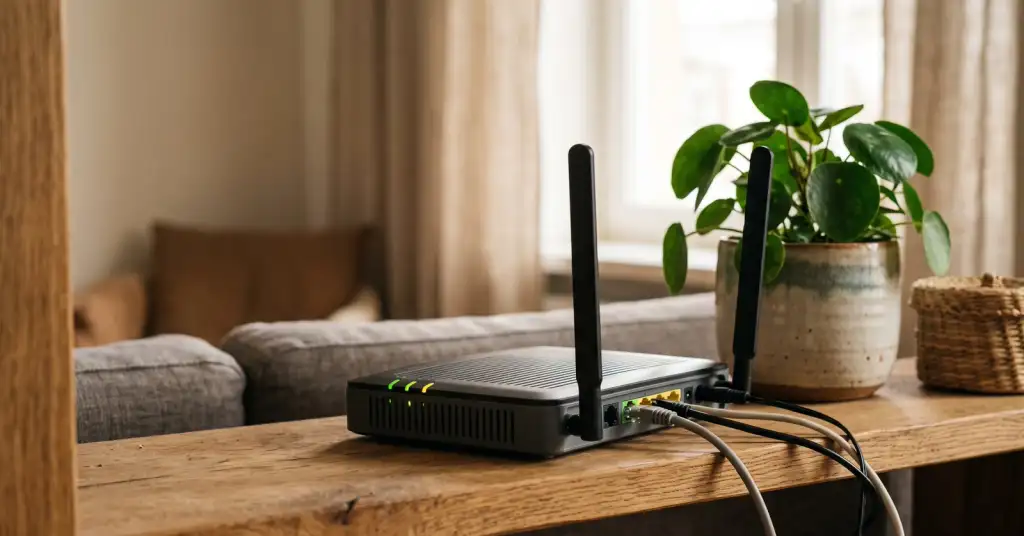
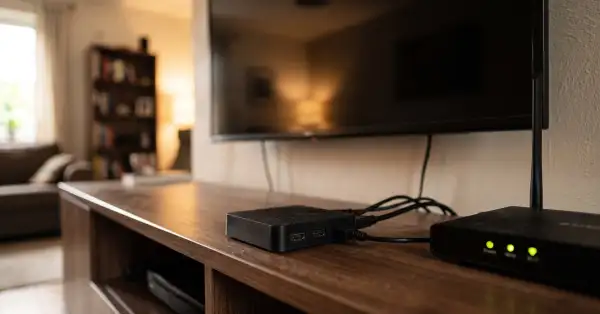
A botnet called Dysphoria has been growing all month, and the devices it lives on are the ones people have at home: routers, internet gateways and IP cameras. The Shadowserver Foundation counted around 296,000 compromised machines in its report on 12 August, up from the 200,000 reported at the start of the month. What makes this one worth your attention is not the size but the second job those devices now do. Besides taking part in attacks, they are rented out as residential proxies, which means strangers browse the internet through your home address while you sit next to the box.
How you notice it without any special tools
Someone else using your address leaves marks you can see from the sofa. Websites start asking you to prove you are human several times a day. Google shows the "unusual traffic from your computer network" page. A shop or a bank refuses a login from your home network, or you land in a country you have never been to when a site guesses your location. Uploads crawl while downloads look normal, because your connection is carrying somebody's traffic outward. The router runs hot or reboots on its own, and its admin page loads slowly or asks for a password you never set.
None of these on its own proves an infection, and all of them have boring explanations too. But two or three at once, on a device that has not been updated in years, is a good enough reason to spend twenty minutes on it tonight.
What to do tonight
- Open the router's admin page and change the administrator password. Not the Wi-Fi password, the one for the box itself. Default and reused passwords are how most of these devices get taken, and it costs nothing to close.
- Turn off remote administration. In the settings it may be called remote access, management from WAN or cloud management. If you do not administer your home router from a cafe, nobody should be able to reach it from outside.
- Disable Telnet and SSH if they are on. On home hardware they are almost never needed, and password guessing against them is exactly how this botnet spreads.
- Install the firmware update. On most routers it is one button in the admin panel. If the vendor has not published anything for two or three years, treat the device as expired rather than reliable.
- Look at port forwarding and UPnP entries. Anything you did not create yourself, delete. If nothing in your home needs an incoming port, turn UPnP off entirely.
- Check the list of connected devices. Names you cannot place are worth chasing down; on many routers you can block a device with one click while you work out what it is.
- If several of the symptoms above match, do a factory reset and set the router up again from scratch. It is half an hour of work and it removes anything that lived in the configuration.
Two things that do not help. A reboot clears some infections that live only in memory, but it does nothing about a weak password or an open management port, so the device is retaken within hours. And a VPN app on your laptop protects the traffic of that laptop; it does not touch the router, which is a separate computer with its own software and its own way in.
Cameras and smart devices are the harder half
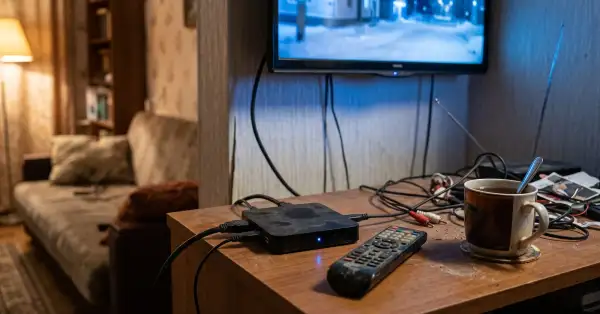
A camera is a small Linux computer with a network connection, and it gets far less attention than a phone. The rules are simpler than for a router. Do not give a camera a direct port from the internet; if you need remote viewing, use the vendor's own app rather than an open port. Change the default password on the device, not only in the app. Put cameras, plugs, TVs and vacuum cleaners on a guest network so that a device with abandoned firmware cannot see your laptop, your backups or your printer.
And be honest about age. A camera that stopped receiving updates in 2020 will not become safe through settings alone. When the vendor has left, the only real fix is replacement, and cheap current hardware beats expensive abandoned hardware.
Why anyone wants your router at all
Because your address looks ordinary. Traffic from a data centre is easy for any service to recognise and refuse; traffic from a home line in a residential neighbourhood is not. That is why access to hijacked home devices is sold by the hour, and it is also why the trouble lands on you: complaints, blocks and suspicion attach to the address, not to the person paying for the proxy. The equipment you were given by an internet provider years ago and never touched again is the perfect vehicle for that, and the entry ticket is usually a password that was never changed.
The tasks above are not a security project. They are a checklist for one evening, and unlike most security advice they end with something measurable: the number of ways into your home network drops from several to nearly none, and stays there until you buy the next device.