Two-factor codes in plain terms: which ones actually protect you
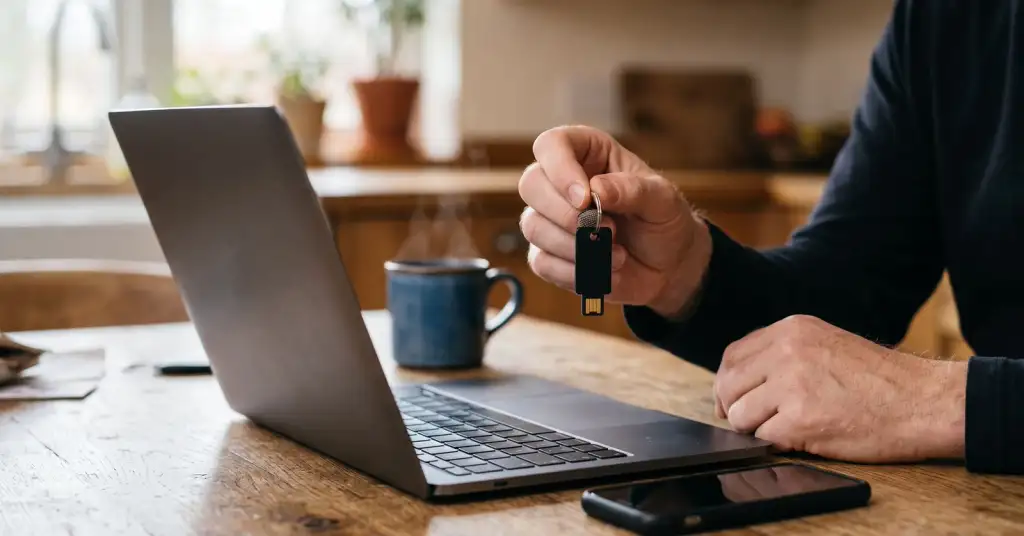
On 16 August the Israeli crypto broker Bits of Gold said an intruder had reached its customer records through a contractor's system: names, identification numbers, email addresses, phone numbers, IP addresses and bank details of roughly 200,000 people. Passwords and document scans were not touched, and that sounds reassuring until you look at what was taken. A phone number plus an ID number plus a real address is exactly the kit needed to talk a mobile operator into moving your number to a new SIM card. And a phone number is what most people are still using as their second factor.
Three levels, and they are not close to each other
Everything sold as two-factor authentication falls into three groups, and the distance between them is much bigger than the interface suggests.
Code by SMS
- Tied to your phone number, not to you.
- Falls to a SIM swap: the number moves, the codes follow.
- Still better than nothing, and better than no second factor at all.
Authenticator app
- Six digits generated on the device itself, no network involved.
- A stolen phone number gives an attacker nothing.
- Can still be handed over on a fake site, because you type it in yourself.
Hardware key or passkey
- Checks the site's real address before it answers.
- On a lookalike domain it simply refuses, which stops phishing outright.
- Nothing to type, nothing to read out to anyone on the phone.
Why the SMS code breaks first
A SIM swap is not hacking in any technical sense. Someone contacts your operator with your name, your identification number and enough personal detail to sound like you, reports a lost phone and asks for the number on a new card. Minutes later your phone shows no service and the codes arrive somewhere else. Every leak of the kind described above lowers the cost of that conversation, which is why breach news and account takeovers arrive in the same week.
There is a second, quieter problem. A code you type is a code you can be talked into typing. A convincing copy of a login page asks for the password, then for the code, and passes both to the real site within seconds. That is why the last level matters: a hardware key or a passkey checks the domain itself and stays silent on the fake one, no matter how convinced you are.
What to do tonight
- Start with the email account, not the bank. Whoever controls your mailbox can reset almost everything else, so it deserves the strongest protection you are willing to set up.
- Move every account you can from SMS codes to an authenticator app. In the security settings it is usually one screen with a QR code, and it takes about a minute per account.
- Save the backup codes offline. Print them or write them down and put them where you keep documents. Storing them only inside the same password manager that holds the password means one lost device takes both.
- Register a second factor as a spare: a cheap hardware key, or a passkey on a second device. Every account that supports one supports two, and the spare is what saves you when the phone is gone.
- Check the recovery settings. An old phone number or a dead secondary mailbox is a way in that survives everything else you set up.
- Where you see "sign in with a passkey", take it. It is the same protection as a hardware key, kept on the phone or in the password manager, and it removes the password from the process instead of adding another step to it.
- Sign out of sessions you do not recognise, in the same settings screen. A second factor does not help against a session someone opened last year.
Before you change your phone. Codes in an authenticator app live on the device, not in the sky, so a wiped phone takes them with it. Do it in this order: move or export the app's data to the new phone while the old one still works, check that two or three accounts really open, and only then wipe the old device. If you skipped that, the backup codes are the way back, which is exactly why they need to exist on paper.
What to actually install
Names matter less than three properties: you can move your codes to a new phone, the code has been looked at by someone other than its author, and it runs on every device you own. Applications that fit are open source and free: Ente Auth works on phones and desktop with end-to-end encrypted sync, Aegis is the usual choice on Android with encrypted local backups, 2FAS keeps a backup in your own iCloud or Drive. The built-in options from Apple and Google are convenient and safe enough, with one condition attached: your codes then live inside one ecosystem and leave it with difficulty.
One warning about a popular name. Authy shut down its desktop application and still offers no way to export your codes, so accounts added there are effectively locked to it. If you use it, do not panic, but move new accounts elsewhere and migrate the old ones when you have an evening.
Password managers such as Bitwarden, 1Password and Proton Pass can hold codes and passkeys too, and that is genuinely convenient. Be aware of the trade you are making: password and second factor in one vault means one master password protects both. For the accounts you care about most, keep the two apart.
For hardware keys the market is small and boring in a good way. YubiKey 5 with NFC and USB-C is the default that works with phones as well as computers; Google Titan is a direct alternative; Token2 and Nitrokey cost noticeably less. Buy two at once, register both, and keep the spare where you keep documents. Buy from the manufacturer or an authorised seller rather than a marketplace lot, because a key is exactly the sort of thing that should not pass through unknown hands.
What a passkey actually is
A passkey is a pair of keys: one stays on your device, the other sits with the service. Logging in means your phone or computer proving it holds the private half, unlocked by your fingerprint or face. Nothing is typed, so nothing can be read out over the phone or entered on a copy of the site, and there is no shared secret sitting in a database to leak. The practical catch is portability: passkeys sync inside an ecosystem or a password manager, so before you rely on one, check that you can reach it from a second device.
If you are locked out anyway
Recovery is the part everyone skips and then needs. Know in advance where each service sends you: backup codes, a second registered key, a recovery mailbox or a support form with document checks. Write the answer down for your two or three most important accounts. It takes ten minutes now and replaces a very bad afternoon later, and it is worth doing while you still have access rather than while you are proving who you are to a support queue.
None of this makes an account unbreakable, and it is not meant to. It moves you out of the group that a leaked phone number is enough to rob, and after a summer of breaches like the one that exposed 24 billion passwords, that group is where the traffic goes.