How to Tell If Your TV Box Is Working for Someone Else
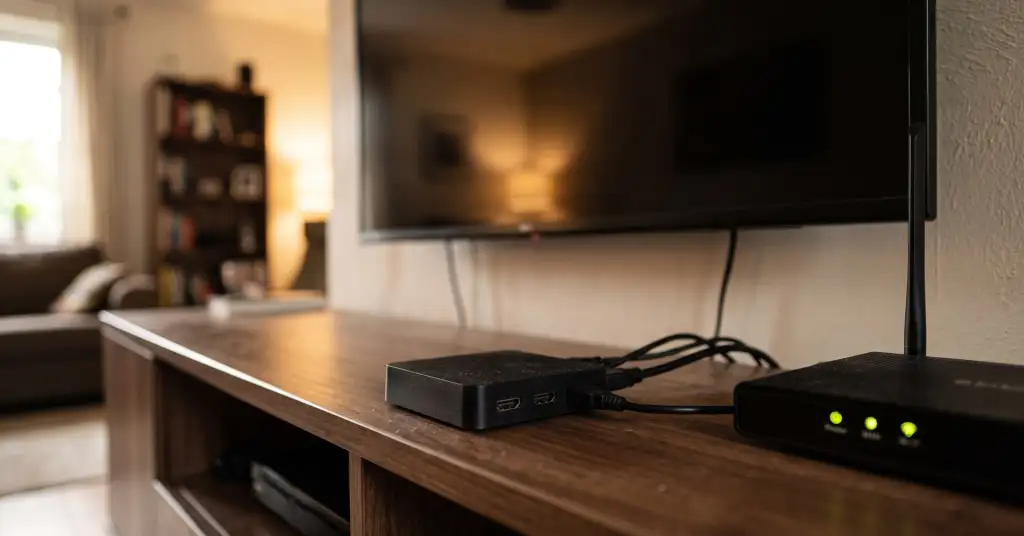
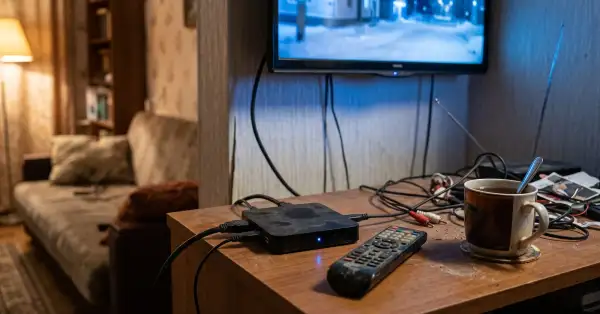
A cheap streaming box is the one device in the flat nobody thinks about. It sits behind the TV, it never asks for updates, and it has the same access to your home network as your laptop. Security researchers at Plume took apart the SuperBox family of Android TV boxes sold through major US retailers and found two things at once: the boxes are wide open to anyone on your network, and some of the apps they ship quietly turn the connection into a rented exit point for other people's traffic.
What the researchers actually found
- Debugging left switched on: Android Debug Bridge listens over TCP on port 5858 and accepts connections from any device on the local network, with no prompt and no approval.
- Root without a password: the su binary hands out root access without authentication, so anything already on the network can take full control of the box without exploiting a single bug.
- A store that skips every check: apps installed through the box's own catalogue bypass signature verification, the unknown-sources warning and Play Protect scanning.
Taken together that is not a vulnerability in the usual sense. There is nothing to exploit, because nothing is locked.
How the box earns money on your connection
Inside one of the apps offered by that store, Cyberflix TV, Plume found an embedded component called Popanet. It registers the device as a node in a commercial residential proxy network, sends off the device identity, location, carrier, network type and ASN, and then waits for instructions to relay third-party traffic. Not for a session. Indefinitely.
The scale on a single box is the part worth sitting with: tens of thousands of connection requests a day, going to thousands of distinct destinations, coordinated through at least 255 verified server addresses. Plume counted close to 10,000 such devices inside its own customer base alone.
Why this lands on you and not on the seller
Residential proxy networks are valuable precisely because the traffic comes from a normal home address. That is the product. When researchers intercepted what was actually flowing through these boxes, they saw account management requests for gaming platforms, WhatsApp verification codes of the kind used for real-time account takeover, and deliberate attempts to defeat Cloudflare and AWS bot protection.
All of that leaves the internet wearing your IP address. If someone traces the abuse, the trail ends at your flat, and the box that did it is sitting behind your television playing films. We have written about the same arrangement before, when 120,000 Android TV boxes turned out to be renting out their owners' bandwidth, and the pattern does not change: cheap hardware, a preinstalled SDK, someone else's traffic.
How to check the box you already own
- Look for the certification. On the box: Settings, then About or Play Store, then look for Play Protect certification. An uncertified device means nobody vouched for the firmware.
- Turn debugging off. Settings, Developer options, then switch off USB debugging and any network or wireless debugging. If Developer options are already unlocked and you never unlocked them, that is an answer in itself.
- Check what is installed. Anything you did not install yourself, and any store that is not Google Play, deserves suspicion. Cyberflix TV is the specific app named in this research.
- Watch the traffic when nothing is playing. Open your router's client list and look at the box's data usage overnight. A streaming device that nobody is streaming from should be close to silent.
- Scan the box from your own network. If you are comfortable with it, check whether ports 5555 or 5858 answer on the box's local address. Anything listening there is a remote control anyone on the network can pick up. The same checks that reveal a router working for strangers apply here.
What to do if the answers are bad
The clean fix is to stop using the box. Replacing an uncertified device with a certified one, or with the app built into the television, removes the whole problem rather than patching it. If you want to keep it, the next best thing is containment: put it on the guest network so it cannot see your computers or your network storage, keep debugging off, and never install anything from its own store.
A factory reset is not a fix here. The proxy component ships with the software rather than arriving later as an infection, so a reset returns the box to exactly the state the research describes.