Brave Now Builds Email Aliases Into the Browser
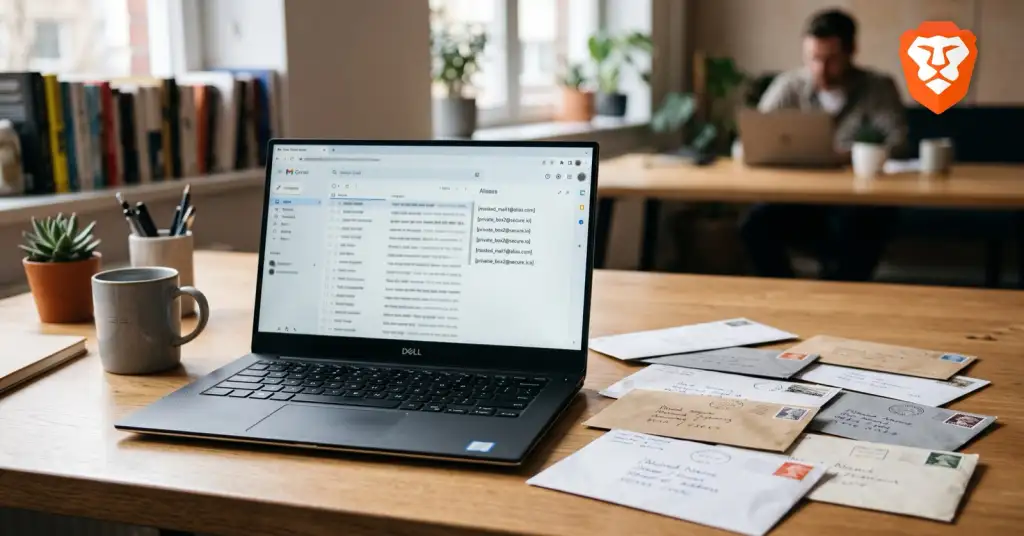
Your email address is one of the most reliable ways to track you. It rarely changes, you reuse it everywhere, and that lets advertisers and data brokers link your accounts, while every breach exposes the same address again. Brave is now trying to break that with built-in email aliases. In its late-August desktop release, the browser can generate a throwaway forwarding address right inside a sign-up form: the site only ever sees the alias, the mail lands in your real inbox, and your real address stays hidden.
How it works
The feature arrived in Brave desktop version 1.94 and runs through a Brave Account. When you land on a registration form, you click the email field or pick "New Email Alias" from the menu, and Brave creates a unique address for that site. Anything sent to it forwards to your primary inbox. If a site starts spamming you or its database leaks, you switch off that one alias and the flow stops, without touching your real address or the other sites you use.
- Per-site addresses. A different alias for each service means no shared identifier to tie your accounts together.
- Free to start. Brave is giving five aliases for free, with a paid tier and mobile support planned.
- Real inbox hidden. Sites, and anyone who later buys or steals their data, never see your actual email.
Why your email is a tracker
Ad blocking and anti-fingerprinting deal with how sites watch you while you browse, but the email you type into a form is a different kind of leak: a durable identifier you hand over voluntarily. The same address at your bank, your shop and your forum is exactly what lets those dots be connected, and it is what turns one breach into a map of everywhere you have an account. Aliases attack that directly. It fits Brave's wider pattern of closing identifier leaks, the same thinking behind the way it hides your graphics card from browser fingerprinting.
Email is half the trail, your IP is the other half
An alias hides who you are by name and address, but it does nothing about where the connection comes from. Your IP address still marks your location and links your sessions, so a site or an ad network can profile you even behind a fresh alias. That is why the two work best together: an alias removes the email as a cross-site identifier, and a VPN removes the IP as one. Close both and you have taken away the two identifiers that follow most people around the web.