macOS flagged Proton Mail for Mac as malware: Proton blames Apple's developer program
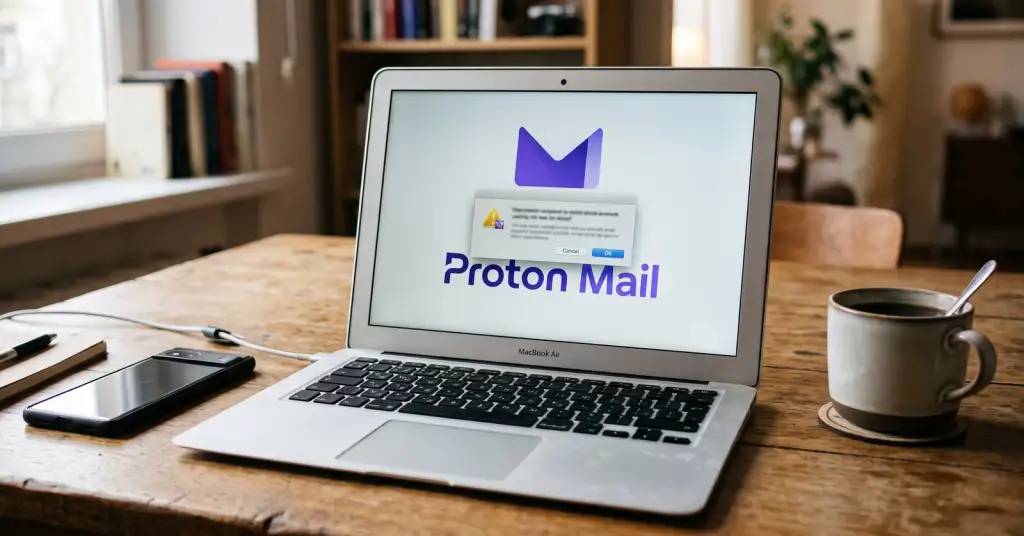
On Friday, October 2, Proton Mail and Proton Meet for Mac stopped opening for some users, and in some cases macOS flagged them as malware. Proton blamed "an issue with Apple's developer program" and said the warning was a false positive. "Your data and accounts are safe. The apps were not compromised," the company wrote on its support account on X.
Proton has released new versions of both apps that work around the problem while it continues to work with Apple on a fix. If Proton Mail or Proton Meet still will not open, the company advises downloading and installing the app again from its official pages: proton.me/mail/download and proton.me/meet/download. Neither Proton nor Apple has said how many users were affected or what exactly went wrong in the developer program. Proton did not mention problems with its other Mac apps, including Proton VPN.
How macOS decides an app is dangerous
Before a downloaded app opens for the first time, macOS checks two things through Gatekeeper: that the app is signed with a developer certificate issued by Apple, and that Apple has notarized it, that is, scanned it for known malware. If either check fails, the system blocks the app. A fault on Apple's side can therefore make a legitimate program look like a threat, even though nothing in the app itself has changed.
A day earlier, on October 1, Apple announced that its original Developer ID certification authority expires on February 1, 2027. Apps that are already signed and notarized will keep working, but .pkg installers signed with certificates from that authority will no longer install after that date. Neither company has linked Friday's failure to this change.
What to do if your Mac calls an app malware
According to Apple's support documentation, the wording of the warning matters:
- "Will damage your computer": macOS found malicious content or the developer's authorization was revoked. Apple says not to open the app.
- "Is damaged": the file is corrupted or was modified. Do not open it either.
- "Apple cannot check it for malware" or "the developer cannot be verified": the app is not notarized. That alone does not make it malicious, but it calls for caution.
If a familiar app suddenly gets one of these warnings, check the developer's official website or support channels first. As Proton's case shows, the developer usually explains quickly what happened. Then download the app again from the official site rather than from a link in an email or a search ad. macOS lets you bypass the block through Privacy & Security and the "Open Anyway" button, but Apple warns that the app then becomes a permanent exception. Do this only when you are sure the file came from the developer.