Best VPN for Android (2026)
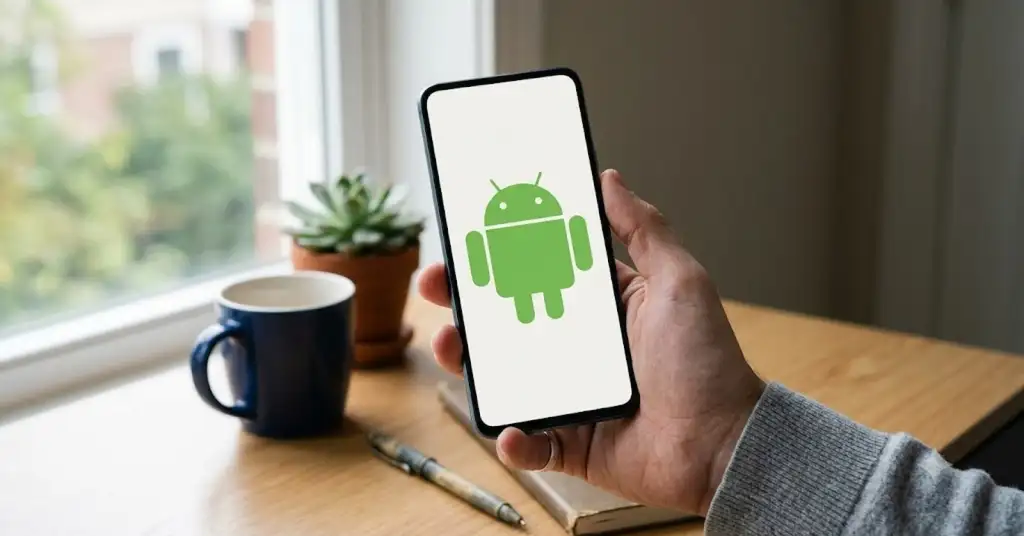
The best VPN for Android in 2026 is one with a lightweight, well-audited app, Always-On support with a system kill switch, per-app split tunnelling and modern protocols that barely touch your battery. From the providers in our catalog, five stand out - NordVPN, Surfshark, Proton VPN, Private Internet Access and ExpressVPN - each best for a different kind of user. Here is how they compare, what matters on Android specifically, and how to set one up safely.
On another device? See our picks for the best VPN for Windows, best VPN for iPhone and the best VPN for Linux.
Best Android VPNs at a glance
| VPN | Best for (Android) | Always-On / kill switch | Split tunnelling | Rating | Money-back |
|---|---|---|---|---|---|
| NordVPN | All-round privacy | Yes | Yes | 4.7 / 5 | 30 days |
| Surfshark | App performance & value | Yes | Yes | 4.7 / 5 | 30 days |
| Proton VPN | Best free tier | Yes | Yes | 4.6 / 5 | 30 days |
| Private Internet Access | Value & configurability | Yes | Yes | 4.7 / 5 | 30 days |
| ExpressVPN | Simplicity | Yes | Yes | 4.7 / 5 | 30 days |
What matters on Android
Android gives you more VPN control than an iPhone, so the right app should use it. Look for three things: Always-On VPN with a system-level kill switch (on Android 12 and later, this blocks all traffic if the tunnel drops), per-app split tunnelling so you can send only some apps through the VPN, and a modern protocol like WireGuard that sips battery - typically around 4 to 5 percent per hour in active use, versus far more on older protocols. A credible, audited no-logs policy is the non-negotiable underneath it all.
1. NordVPN - the all-round pick
NordVPN's Android app pairs the battery-friendly NordLynx protocol with Always-On support, per-app split tunnelling and Threat Protection that blocks trackers and malicious sites. Repeatedly audited no-logs and huge server coverage make it the safest default for most Android users.
See NordVPN plans and details in our catalog.
2. Surfshark - best app and value
Surfshark's Android app is fast and clean, with split tunnelling (Bypasser), CleanWeb ad blocking and unlimited devices on one plan - ideal if your whole household is on Android. It is the best-value audited pick on the platform.
See Surfshark plans and details in our catalog.
3. Proton VPN - the best free option
Proton VPN has the strongest free tier on Android - no data cap, open-source and independently audited, with a kill switch and no ads. It is the safe way to get real, audited privacy on Android without paying, and it upgrades cleanly if you want more locations.
See Proton VPN plans and details in our catalog.
4. Private Internet Access - value and control
PIA's Android app is one of the most configurable here, with granular settings, per-app split tunnelling and a proven kill switch, backed by a court-tested no-logs record. A great low-cost pick for users who like to tweak.
See Private Internet Access plans and details in our catalog.
5. ExpressVPN - the simplest to use
ExpressVPN's Android app is the most beginner-friendly - one tap to connect, with the fast Lightway protocol and RAM-only servers behind it. If you want privacy with zero configuration, it is the friendliest choice.
See ExpressVPN plans and details in our catalog.
How to set up a VPN on Android
- Pick a provider above and install its official app from the Google Play Store - check the developer name matches, not a copycat.
- Open the app, sign in, and choose a nearby server to connect.
- In settings, enable the kill switch, then turn on Always-On VPN in Android's own Settings under Network & internet, VPN.
- Optionally set per-app split tunnelling, then confirm there are no leaks on our network tools page.
Beware dangerous free Android VPNs
The Google Play Store is full of free VPN apps that log and sell your data, request suspicious permissions, or impersonate well-known brands. Before installing anything, check the developer, the permissions and whether the app has ever been independently audited. If you want free, stick to a reputable tier like Proton VPN's - or remove third parties entirely and run your own VPN on a cheap VPS, connecting from Android with the official WireGuard app. Our guides walk through it step by step.
FAQ
What is Always-On VPN on Android? It is a built-in Android setting that keeps the VPN connected at all times and can block traffic when the VPN is off, acting as a system-wide kill switch. It works best with apps that support it, and is available on Android 12 and later.
Does a VPN drain the battery? A little. With a modern protocol like WireGuard or NordLynx, expect roughly 4 to 5 percent per hour in active use and only 1 to 2 percent while idle on Always-On - far less than older protocols.
Are free Android VPNs safe? Most are not. A reputable audited free tier is fine, but many free apps monetise your data. When in doubt, pay a couple of dollars a month for an audited service or self-host.